


What is I²S and should you use it?
What is I²S and should you use it?
Understanding USB, I²S, AES, optical and coax connections for DACs
You’ve just bought a new DAC and want to get the most out of it. And before even thinking about synergy with amplifiers, headphones, and so on, one question immediately comes up:
Which connection is the best here? USB, optical, I²S, AES, or coax?
Leaving aside the fact that your source may not offer all of these connections—and that with a PC as the source you will typically default to USB—it’s still worth taking a brief look at these standards in order to derive a general recommendation. Interestingly, the answer here is less “it depends” than one might initially expect.
Let’s go through the connections one by one.
Quick overview
- USB is usually the simplest and most compatible connection
- I²S can offer a very direct signal path but requires compatibility
- S/PDIF, optical and coax rely more heavily on source clock quality
- AES is robust but often unavailable on consumer devices
USB
USB has (unfairly) earned a somewhat poor reputation in hi-fi circles. In the past, people used to say it was a computer interface that had nothing to do with the “natural,” analog flow of music.
In reality, the downsides simply weren’t as well managed as they are today.
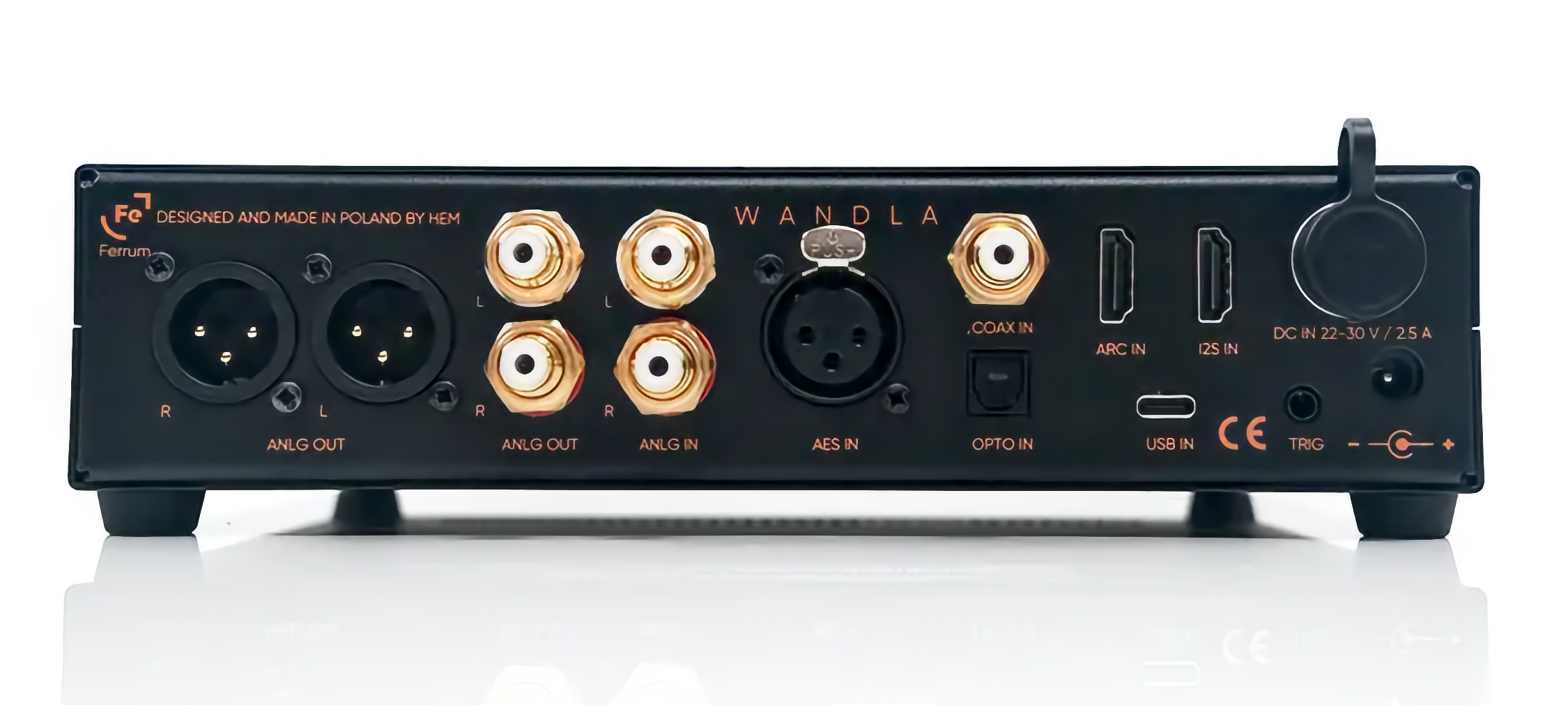
USB transmits both power and data at the same time. This means that if the source is “noisy”—for example a powerful PC whose GPU and CPU can introduce electrical noise—you may hear it. Possible solutions include using a galvanically isolated DAC such as the Wandla, which handles this issue very well, or upgrading your DAC with something like the JDS Labs Synapse, which specifically galvanically isolates the USB signal.
The advantages, however, are significant.
USB transmits the signal in packets, and the DAC—using its internal clock—is responsible for timing and processing. This is beneficial because one of the most important aspects of a clock is having a very short signal path to the DAC chip, which helps preserve signal integrity.
In addition, USB always supports the highest data rate the DAC itself can process.
Practical takeaway: For most PC or streamer setups, USB is the simplest and often the best option.
S/PDIF
If you want to avoid dealing with galvanic isolation entirely, an optical connection is an obvious option. Optical links carry only the signal, not electrical current, so they cannot introduce noise from the source.
The downside is that the source is responsible for the clocking, and the clock in many sources is often not quite on the level of a modern high-quality DAC. The imperfect timing we need to consider in this case is called jitter. In addition, S/PDIF is limited to 192 kHz / 24 bit.
There are also devices designed to improve the signal and its timing: a DDC, or Digital-to-Digital Converter. This is not a clock that dictates the operating clock of the downstream DAC. Rather, it acts as a buffer that captures the signal, reclocks it, and outputs it again with reduced jitter. Some DACs, such as the JDS Labs Element IV, also have very effective jitter compensation built in.
Note: Optical breaks electrical connection between devices completely.
I²S
You’re hearing more and more about a relatively new connection type called I²S—but what exactly is it?
Simply put, it is the internal signal transport protocol used inside DACs. The idea is straightforward: instead of converting the data from one format to another, why not feed it directly in the format the DAC already expects?
In this case, the DAC does not control the clock—the source does. Technically speaking, this makes it the “cleanest” input a DAC can have. It also supports the highest data rates the DAC can process.
But what sources actually provide such an output?
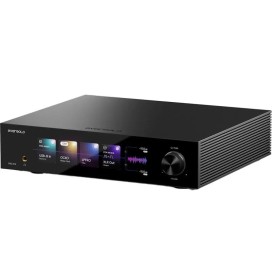
High-end network streamers such as the Eversolo A8 now include I²S, effectively making them both streamers and DDCs in one device. The signal enters via the network and exits via USB or I²S. Many dedicated DDCs also provide an I²S output.
The downside is that I²S used to be an internal interface. While manufacturers have largely agreed on using an HDMI connector for external connections, there is still no universal agreement on the exact pin assignments. This means you must ensure that your source and DAC either share a compatible pinout or allow adjustments through hardware or software settings.
Cable length should also be kept as short as possible (ideally under 50 cm), since signal path length can noticeably affect signal integrity with this standard.
Important with I²S
- No universal HDMI pinout
- Source and DAC must be compatible
- Cable length should remain short
AES
AES uses balanced cables that are extremely resistant to external interference and can tolerate longer cable runs without issues. Important: just because the connector is XLR does not mean you can use any standard analog XLR cable—AES requires a cable with a characteristic impedance of 110 ohms.
The main drawback is that bandwidth is limited to 192 kHz / 24 bit, and it is primarily a professional standard. Many consumer devices—even in the high-end segment—do not include it.
Coax
Coax is essentially S/PDIF transmitted over a different cable type, in this case with a 75-ohm impedance and an unbalanced electrical connection. Because there is a direct electrical connection between source and DAC, interference can occur, and the clock once again depends on the source.
It is a widely used consumer connection, although in high-end setups it is seen less frequently.
Conclusion
For most digital sources such as PCs or streamers, USB is not only the simplest option but often the best one. If galvanic isolation is not present, it can be added relatively inexpensively with a device like the JDS Labs Synapse.
If you already have both a source and a DAC with I²S—or if you want to experiment with the potential sonic improvements of a DDC—then I²S is the first choice. The DDC handles jitter reduction, galvanic isolation, and signal reclocking, making this the setup where additional hardware can potentially make the biggest difference.
I would only recommend S/PDIF or coax for lower-priority sources, since they rely heavily on good jitter compensation and are limited in resolution.
AES will often be ruled out simply because the source does not support it. However, apart from its resolution limit, it generally sits clearly above S/PDIF and coax in terms of performance.
Frequently asked questions
What is I2S audio?
I2S, also written I²S, is the format in which digital audio travels inside a DAC between its chips: audio data, word clock and bit clock on separate lines. An external I2S input lets a streamer or DDC feed this signal directly, without converting it to USB or S/PDIF first.
What does I2S stand for?
Inter-IC Sound. Philips introduced it in 1986 as a connection between integrated circuits inside a device, not as a cable standard between two devices. That is why there is still no fixed pinout today.
Is I2S better than USB?
Not by default. With I2S the source supplies the clock, so a good streamer or DDC with I2S output can pay off. With a PC as the source, USB, where the DAC's own clock takes over, is usually the simpler and equally good choice.
Which cable do I need for I2S?
Most hi-fi devices use an HDMI socket for I2S, so a good HDMI cable will do, ideally shorter than 50 cm. It is not HDMI audio, though: source and DAC must use the same pin assignment, which many DACs let you switch.
Can I connect an I2S output to a TV or AV receiver?
No. The HDMI socket only serves as a connector here. Only connect I2S devices to each other, never to the HDMI port of a TV or receiver. Some DACs have a separate HDMI ARC input for the TV.
Which DACs have an I2S input?
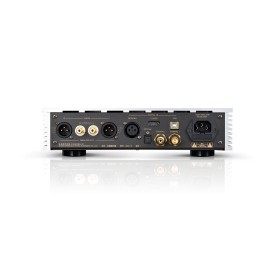
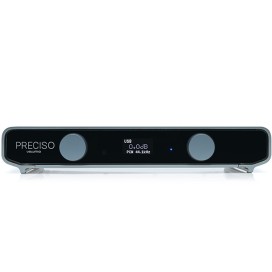
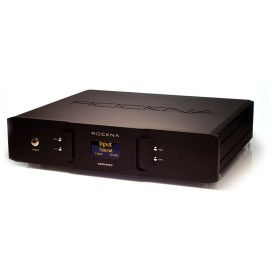
In our range, for example, the Ferrum WANDLA, the LAiV Harmony DAC, the Rockna Wavelight DAC, the Cayin iDAC-8 Tube DAC and the Volumio Preciso. A DDC such as the LAiV Harmony uDDC adds an I2S output to any USB source.
Questions about your system?
Send us a message on WhatsApp and we will be happy to help. Or listen for yourself: in our listening room in Bari you can audition selected equipment at your own pace, by appointment.
Related Products
-

![]() In Stock
In StockFerrum WANDLA
€2,795.00End-game DAC in a small form factor - Wandla. The only DAC powerful enough to run filters by Jussi Laako, developer of HQPlayer, directly on the device.
-
On order
Ferrum WANDLA GSE Gen 2
€3,295.00The second generation of the WANDLA GoldenSound Edition: Impact+, Tube Mode and Spatial Enhancement have been redeveloped and can now be fine-tuned in profile and intensity. Add the Signalyst filters, the ESS Sabre ES9038PRO converter chip and an output level that adapts to any amplifier in hardware.
-
![]() On order
On orderLAiV Harmony DAC
€3,499.00LAiV's Harmony DAC combines a minimalist and elegant design with discrete, balanced R2R digital-to-analog conversion. With support for sample rates up to DSD256 and PCM 768kHz and internal CCHD-957 FEMTO clocking, this DAC offers sound reproduction as faithful to the original as possible.
In addition, the modular design of the Harmony DAC provides unparalleled flexibility, simple upgrades, and easy maintenance.
-
On order
Rockna Wavelight DAC
€6,200.00High-end discrete R2R DAC with FPGA architecture, ultra-low jitter digital processing and customizable filters for a natural, highly detailed sound reproduction.
-
![]() -€198.00 Off
-€198.00 Off
- -€198.00
On orderCayin iDAC-8 Tube DAC
After the flagship music player Cayin N30LE, which was equipped with AKM AK4499EQs converter and a tube output stage and received rave reviews, now comes the new tube DAC/preamplifier iDAC-8. The iDAC-8 stands for a unique sound experience with a tandem of AK4191EQ - AK4499EXEQ converter chips and a 6H6b-B tube circuit.
-
![]() On order
On orderVolumio Preciso
€799.00Ultra-precise high-end DAC with dual SABRE converters, linear power supply and MEMS clock – delivering ultimate purity and natural sound.
-
![]() On order
On orderLAiV Harmony uDDC
€1,099.00High-end USB DDC with precision reclocking, I²S output and galvanic isolation for maximum signal integrity and improved sound performance.
-
![]() On order
On orderRockna Wavedream Edition DAC
€10,000.00Rockna Wavedream DAC – a no-compromise reference R2R DAC with proprietary FPGA design, delivering exceptional precision and natural sound.
-
![]() On order
On orderFerrum WANDLA HP
€3,295.00Ferrum's high-end converters paired with a really powerful headphone amplifier - the result is one of the mightiest all-in-one devices on the market.
-
![]() On order
On orderLAiV Harmony uDAC
€1,299.00Compact high-end R2R DAC with discrete balanced design, Class-A output and 32-bit / 768 kHz PCM & DSD256 support. Pure, detailed and musical sound.
-
![]() On order
On orderLAiV Crescendo VERSE R2R
€899.00LAiV Crescendo VERSE: a compact high-end R-2R DAC with preamp, headphone amp, native DSD, and full connectivity.
-
![]()
- New
On orderEversolo DAC-Z10
€1,980.00Eversolo DAC-Z10 – pure-bred high-end standalone DAC with dual-mono AK4191/AK4499EX conversion, R2R preamp and Eversolo Precision Core clocking. -
![]()
- New
On orderMatrix Audio ND-1
€3,699.00Matrix Audio ND-1 – standalone high-end DAC with an AK4191EQ modulator and separate AK4499EX converters per channel, switchable between Transformer and Op-Amp mode. -
![]()
- New
On orderAudiobyte SuperVOX
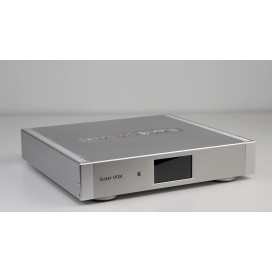
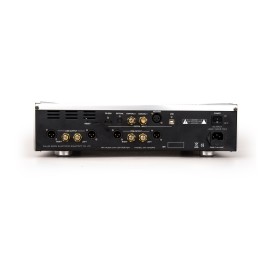
€3,990.00Fully balanced FPGA converter with a 33-level delta-sigma modulator at 11.3/12.3 MHz, Femtovox clocking, discrete output stage and linear power supply. Inputs USB, I²S (HDMI) and S/PDIF, outputs XLR and RCA. No headphone output – that is what the SuperHEAD is for.
-
![]() In Stock
In StockCayin CS-100 DAC
€4,800.00The flagship of Cayin's tube D/A converters, and an outstanding testimony to their expertise with tubes. A must-have.
















Founder of Level Audio, trained sound engineer and a hi-fi enthusiast and friend of good sound since a young age.